Choose the Right Caregiver Call Button to Ensure Instant In-Home Alerts
Choosing a Caregiver Call Button for Home
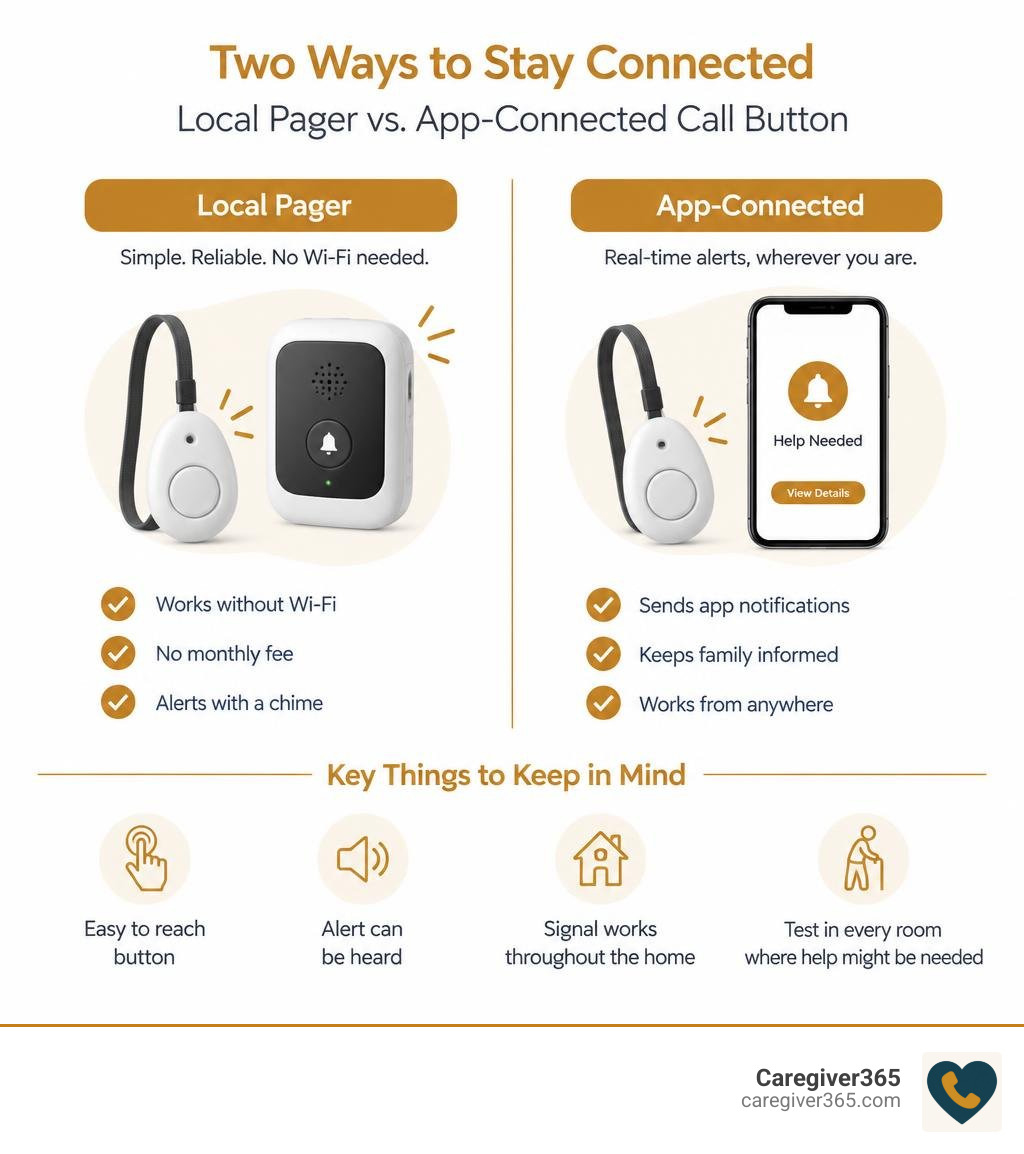
Choose based on who needs to get the alert. If a caregiver is usually at home, a simple button and portable pager can send a chime without Wi-Fi or a monthly fee. If family members need alerts while away, look for a button with app notifications. In either case, make sure the button is easy to reach, the alert can be heard, and the signal works throughout the home.
A wearable button can stay with your parent as they move around. A bedside or bathroom button adds another way to call for help. Before relying on any system, test it in every room where help might be needed.
Key caregiver call button vocabulary:
- panic button for seniors to call family
- call button for elderly at home
- landline medical alert systems
How a Caregiver Call Button System Works to Protect Seniors at Home
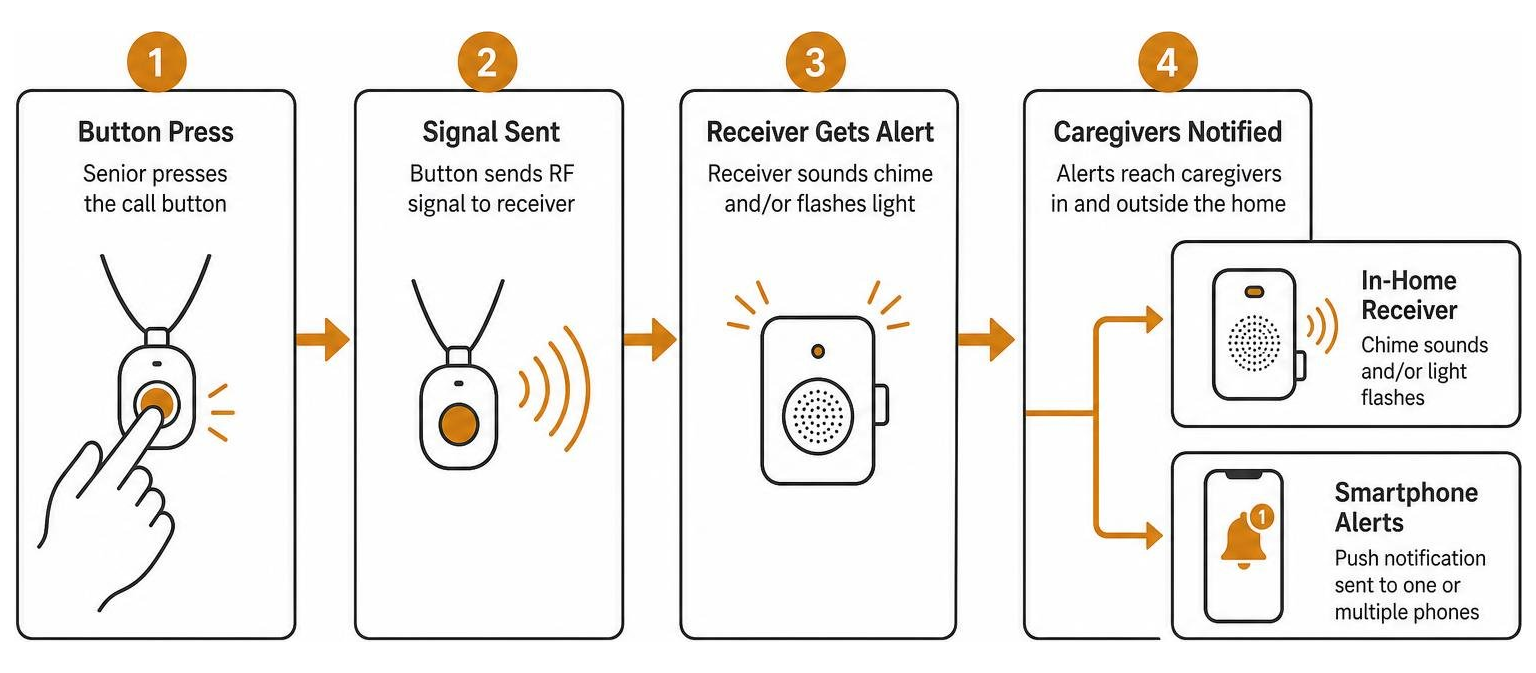
When a loved one experiences a sudden dizzy spell, slips out of bed, or simply needs assistance reaching a glass of water, calling out across the house is exhausting and unreliable. A caregiver alert system provides a direct, wireless lifeline between an elderly adult and someone nearby who can help.
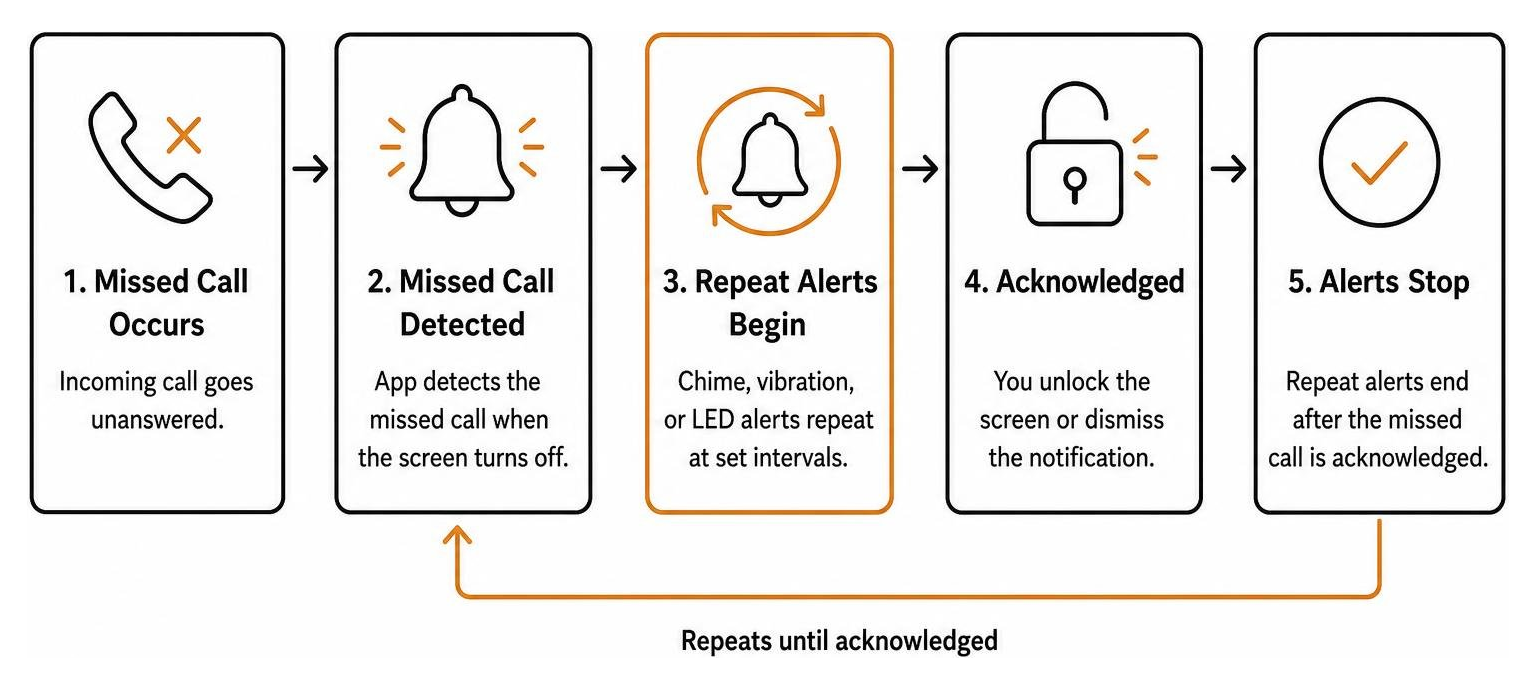
At its core, the system consists of two primary elements: an alert transmitter (the button) and an alert receiver (the pager, plug-in chime, or connected smartphone hub). When the senior presses the button, it transmits a coded radio frequency (RF) signal—or a Wi-Fi-assisted digital trigger—to the receiver. Within fractions of a second, the receiver sounds a chime, flashes an LED light, or sends a push notification to alert family members.
These localized alert tools form a fundamental layer in comprehensive senior safety solutions. By removing the need for a senior to shout or struggle to find a phone, in-home call buttons help maintain dignity while providing rapid response for acute needs.
| Feature Category | Standalone RF Alert Pagers | Wi-Fi Smart Hub Systems |
|---|---|---|
| Transmission Method | Local Radio Frequency (433 MHz) | 2.4 GHz Wi-Fi to Cloud & Mobile App |
| Alert Range | 300 to 600 ft (Open Air Line of Sight) | Unlimited (Anywhere with Internet) |
| Caregiver Alert Location | In-home or on property only | In-home chime + smartphone app anywhere |
| Setup Complexity | Plug-and-play; zero pairing required | Requires home network & smartphone app |
| Monthly Fees | $0 (Hardware only) | $0 for basic push alerts |
| Typical Hardware Cost | $20 – $35 | $40 – $55 |
| Best Suited For | Live-in caregivers & co-housing | Remote family monitoring & shared duties |
Standalone Local Pagers vs. Wi-Fi Smart Receivers
Choosing between a standalone system and a connected smart receiver comes down to where the caregiver spends their time.
Standalone RF Pagers: These operate on dedicated local radio frequencies without touching your home internet. A popular example is the Call Button & Caregiver Pager System, an economical plug-and-play kit with basic one-to-one transmitters and portable receivers. These systems frequently feature belt clips or battery-operated pocket units that vibrate silently or ring out loud. They are ideal for live-in family members or nighttime monitoring. Detailed product literature, like the Smart Caregiver Call Buttons with Standalone Pager Documentation, shows how these basic systems provide immediate peace of mind without passwords, apps, or pairing menus.
Wi-Fi Smart Receivers: Systems like the CallToU Wi-Fi Caregiver Call Button System and the PILSAMAS WiFi Wireless Call Button System bridge local hardware with modern smartphone alerts. When pressed, the button communicates with a wall-plugged Wi-Fi hub on a 2.4 GHz network. The hub sounds an audible chime inside the house while simultaneously pushing instant notifications to designated smartphones. This setup allows multiple family members to share monitoring duties even when they are running errands or working outside the home.
Wearable Pendants, Wall Mounts, and Pull-Cord Options
Emergencies happen in different postures and locations throughout the home. Using a mixture of button form factors ensures your loved one can always trigger an alert without having to crawl or stretch.
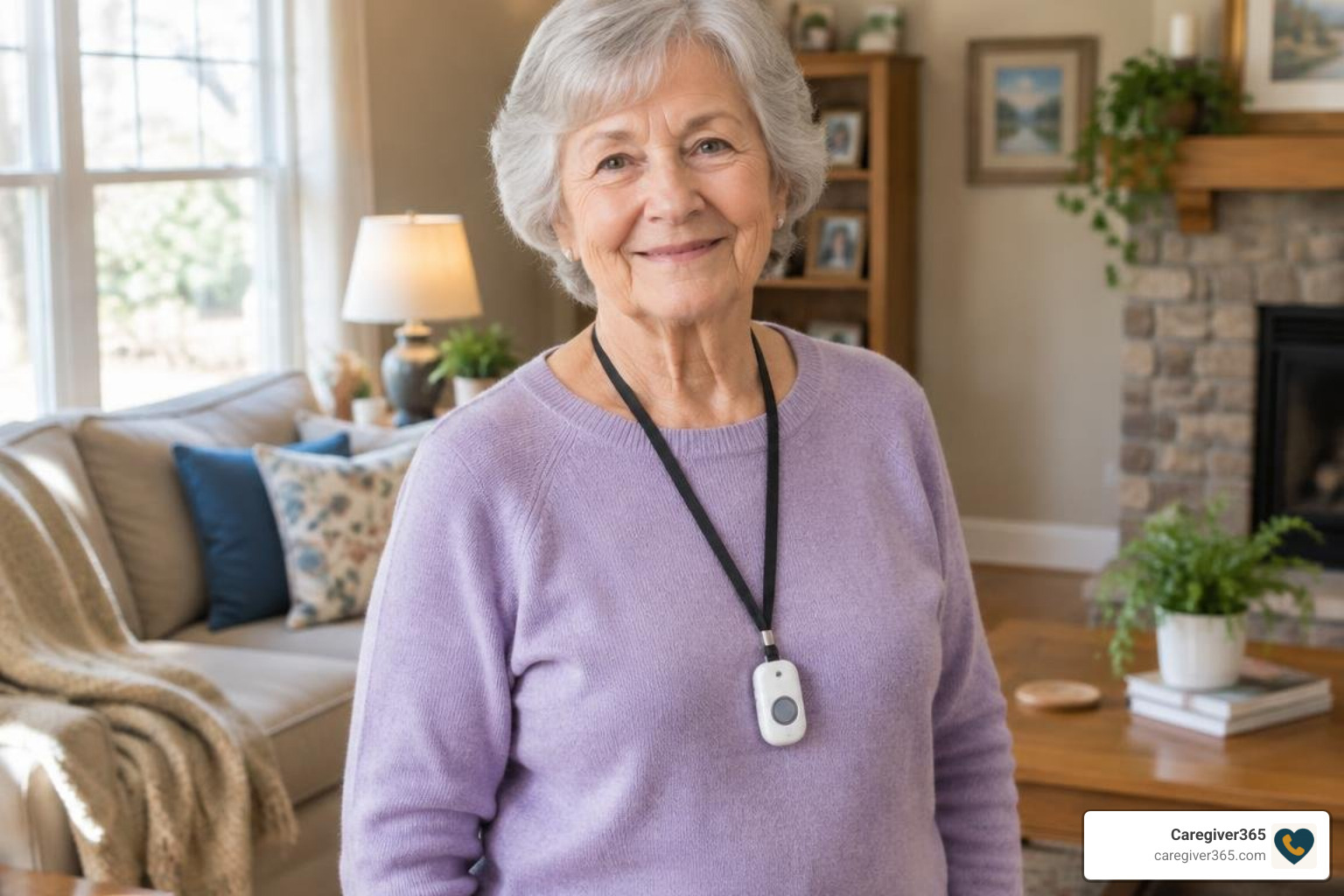
- Lanyard Pendants: Worn comfortably around the neck or clipped to clothing, wearable buttons travel everywhere with the senior. They are especially useful for daytime mobility in the living room, kitchen, and hallway.
- Wall Mount Brackets: Fixed buttons mounted beside the bed or next to a favorite armchair ensure an alert is always within arm’s reach if someone wakes up disoriented or unable to stand.
- Bathroom Pull Cords: Wet, slippery tile makes bathrooms a high-risk area. Integrating pull-cord units alongside in-home fall prevention strategies ensures that if someone falls to the floor, they can pull the hanging cord even if they cannot reach a high countertop.
Key Features to Compare When Choosing In-Home Alert Devices

When evaluating hardware, focus on practical durability, volume options, and realistic transmission range rather than flashy gimmicks. Exploring home care call button range and reliability shows that physical room layouts significantly impact how signals travel.
Look for these essential specifications:
- Audible Decibel Levels: Look for receivers providing at least 90 to 110 dB output to cut through household noise like televisions, vacuum cleaners, and running kitchen water.
- Visual Indicators: Flashing LED light rings on the receiver alert caregivers who have mild hearing loss or who are wearing headphones.
- Physical Button Feedback: Seniors with arthritis or diminished tactile sensation need a button with an audible click or tactile depression so they know their press was registered.
- Hardware Expandability: Certain models allow pairing several buttons to multiple receivers, whereas basic budget kits operate on a fixed one-to-one signal.
Setting Up Your Caregiver Call Button for Maximum Signal Range
Manufacturers often advertise maximum open-air ranges between 300 and 600 feet. However, everyday household obstacles such as drywall, brick fireplaces, metal appliances, and heavy wooden doors absorb radio frequency signals.
To maximize real-world coverage:
- Position Central Hubs Strategically: Place plug-in receivers in central hallways rather than tucking them behind heavy metal appliances or inside closed cabinets.
- Account for Multi-Story Layouts: In two-story homes, place at least one receiver on each floor to ensure clear audio coverage from upstairs bedrooms to downstairs laundry areas.
- Test Realistic Dead Zones: Walk the button into the far corners of the home, the garage, and the back porch to verify the receiver reliably rings before relying on the system for daily care.
Waterproof Protection and Battery Life Requirements
Bathrooms represent the most common area for catastrophic slips. Therefore, buttons must carry sufficient water resistance.
Many modern transmitters feature an IP55 splash-proof rating, meaning they can handle shower spray, accidental sink splashes, and moisture. Look for dedicated pull-cord models or lanyard buttons specifically rated for wet areas.
Battery considerations are equally critical:
- Transmitters (Buttons): Most standalone buttons run on compact 12V (such as 23A) alkaline batteries or standard CR2032 coin cells. Because the button only draws power when pressed, these batteries typically last between 12 and 18 months.
- Receivers (Chimes/Pagers): Mobile belt-clip pagers rely on standard AAA batteries, which should be checked every few months. Plug-in chime units draw continuous power from standard AC wall outlets, providing maintenance-free operation.
Comparing Alert Types: Direct Pagers vs. Mobile App Systems
Direct radio pagers provide lightning-fast, zero-latency chimes inside the home. They never suffer from internet outages, app crashes, or phone battery drain. For a live-in caregiver who simply needs an immediate chime down the hall, direct RF pagers deliver foolproof simplicity.
However, modern families often share caregiving duties across multiple households. Learning how caregiver mobile app connectivity works highlights the value of multi-user notifications. Wi-Fi systems like PILSAMAS allow families to name specific buttons inside the app (e.g., “Mom’s Bedside” vs. “Master Bathroom”). When triggered, the exact location pops up on family members’ smartphones, removing all guesswork about where assistance is needed.
Customizing Ringtones and Volume on a Caregiver Call Button
Nobody wants an alarm that induces unnecessary panic or sounds like a smoke detector during routine calls for water. Quality systems offer versatile audio customization:
- Ringtone Selection: Devices like CallToU provide up to 55 selectable melodies, ranging from gentle door chimes to distinct musical tones. Systems like PILSAMAS offer 18 distinct alerts.
- Volume Steps: Adjustable volume levels spanning from 0 dB (silent flashing mode for sleeping infants or sensory sensitivities) up to 110 dB ensure alerts match your household environment.
- Location-Specific Melodies: If your system supports multi-button pairing, assign different chimes to the bathroom and the bedroom so you immediately recognize where your loved one is calling from.
Layering Home Safety: Combining Call Buttons with Daily Check-In Support
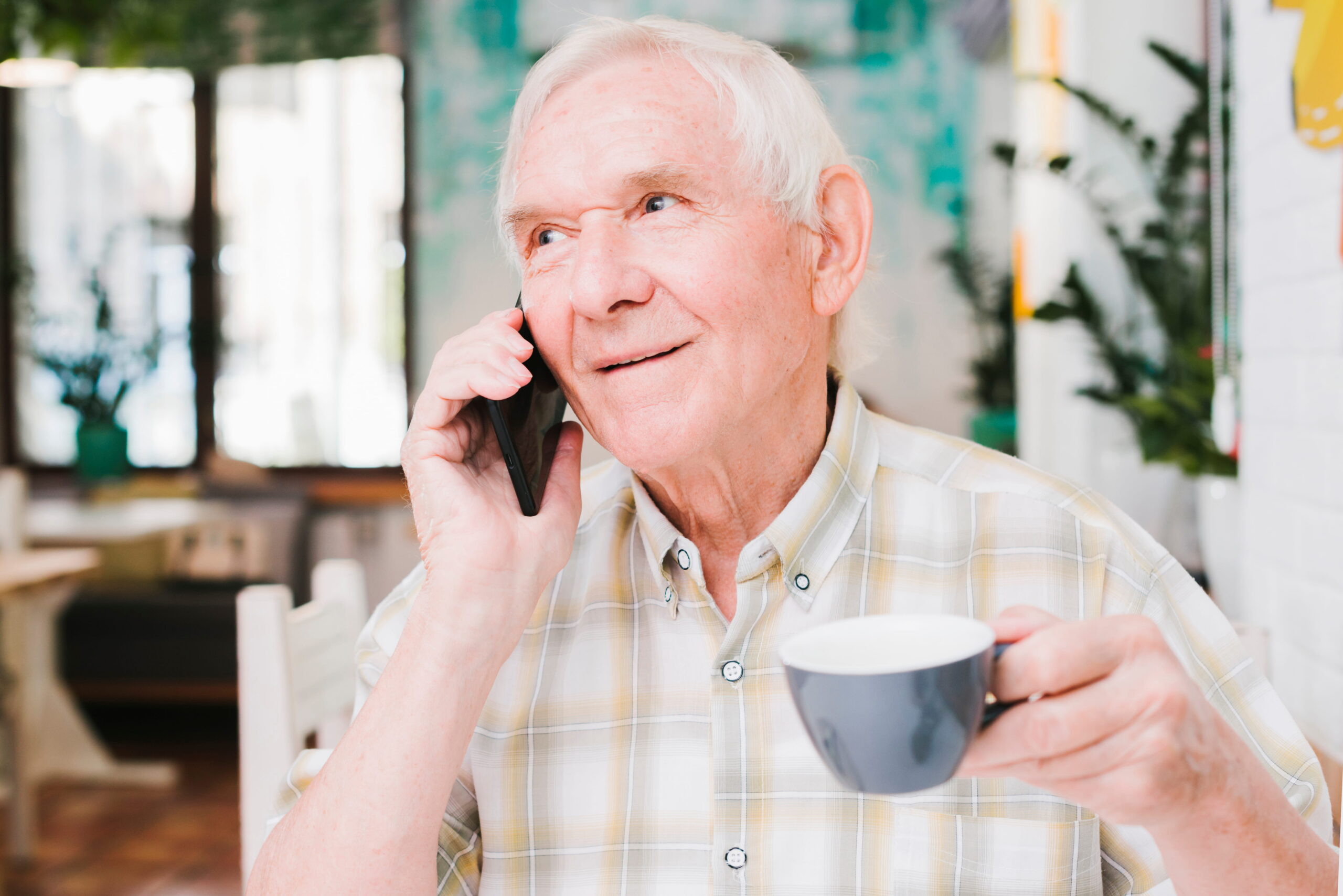
A physical button is an essential tool for acute in-home emergencies, but it has one fundamental limitation: it requires the senior to be conscious, within reach of the device, and physically able to press it.
If an elderly parent living alone experiences a sudden medical event, faints, or misplaces their lanyard across the room, an unpressed button cannot call for help. This is why well-rounded care plans pair reactive emergency buttons with proactive daily monitoring.
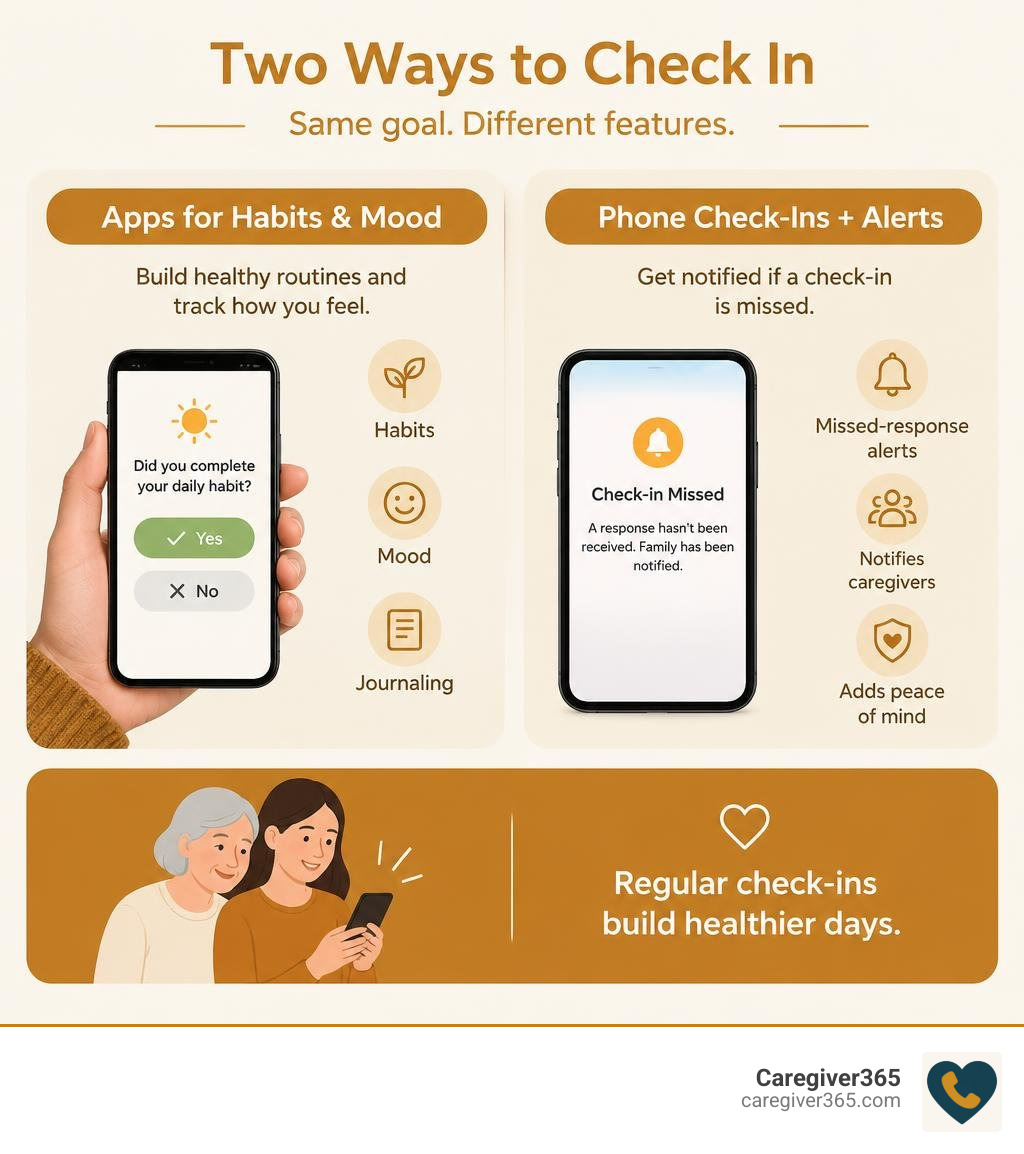
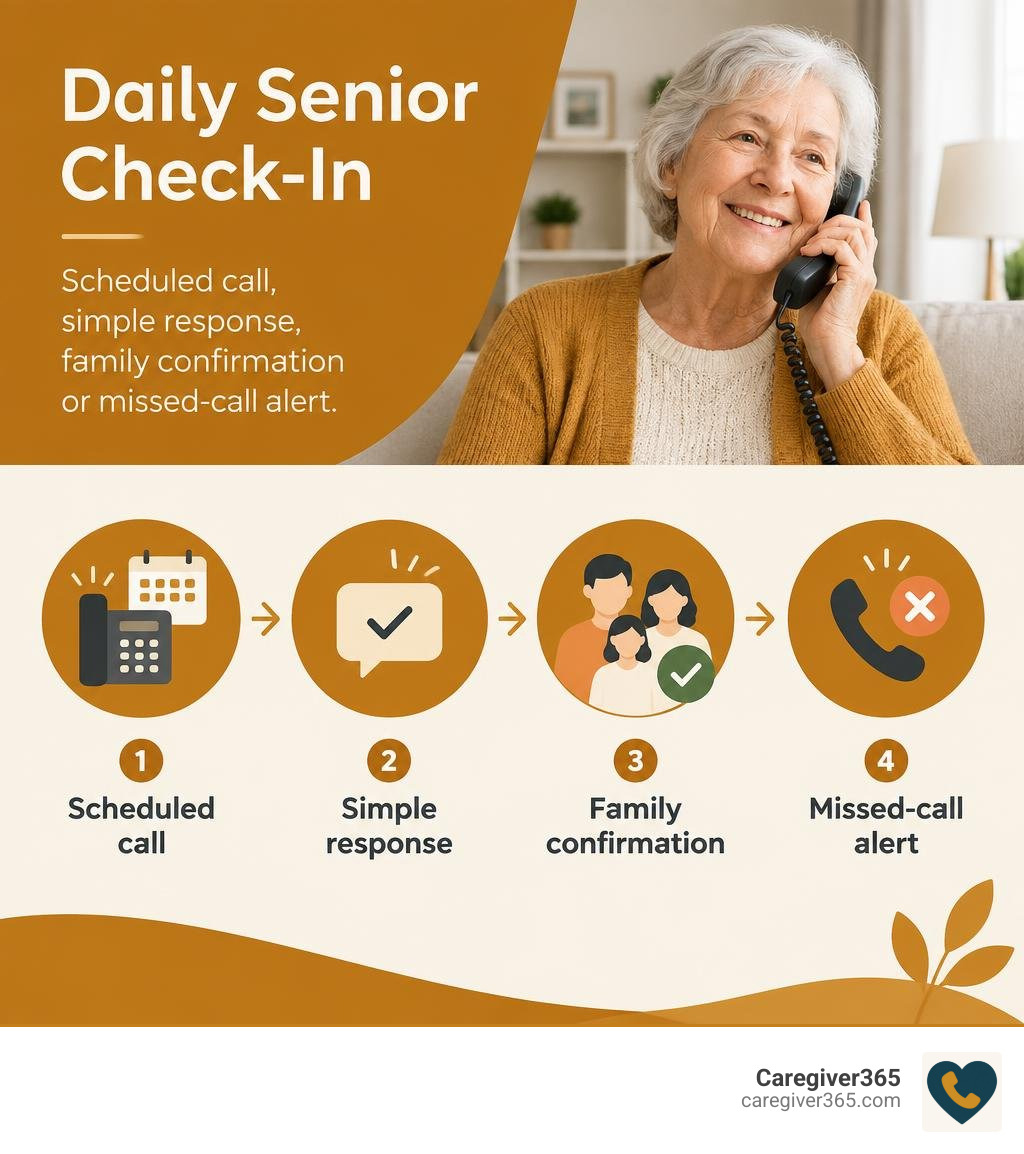
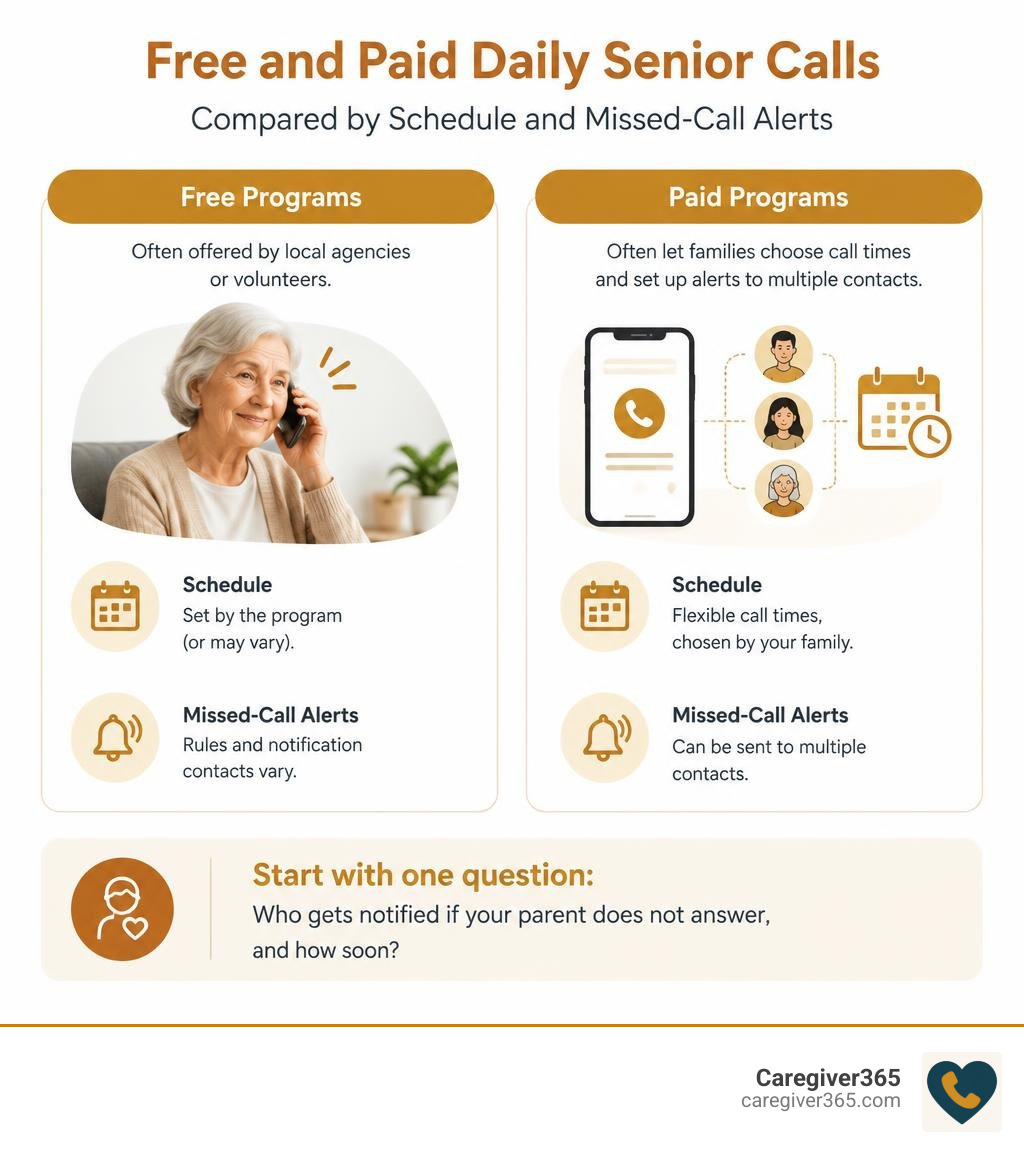
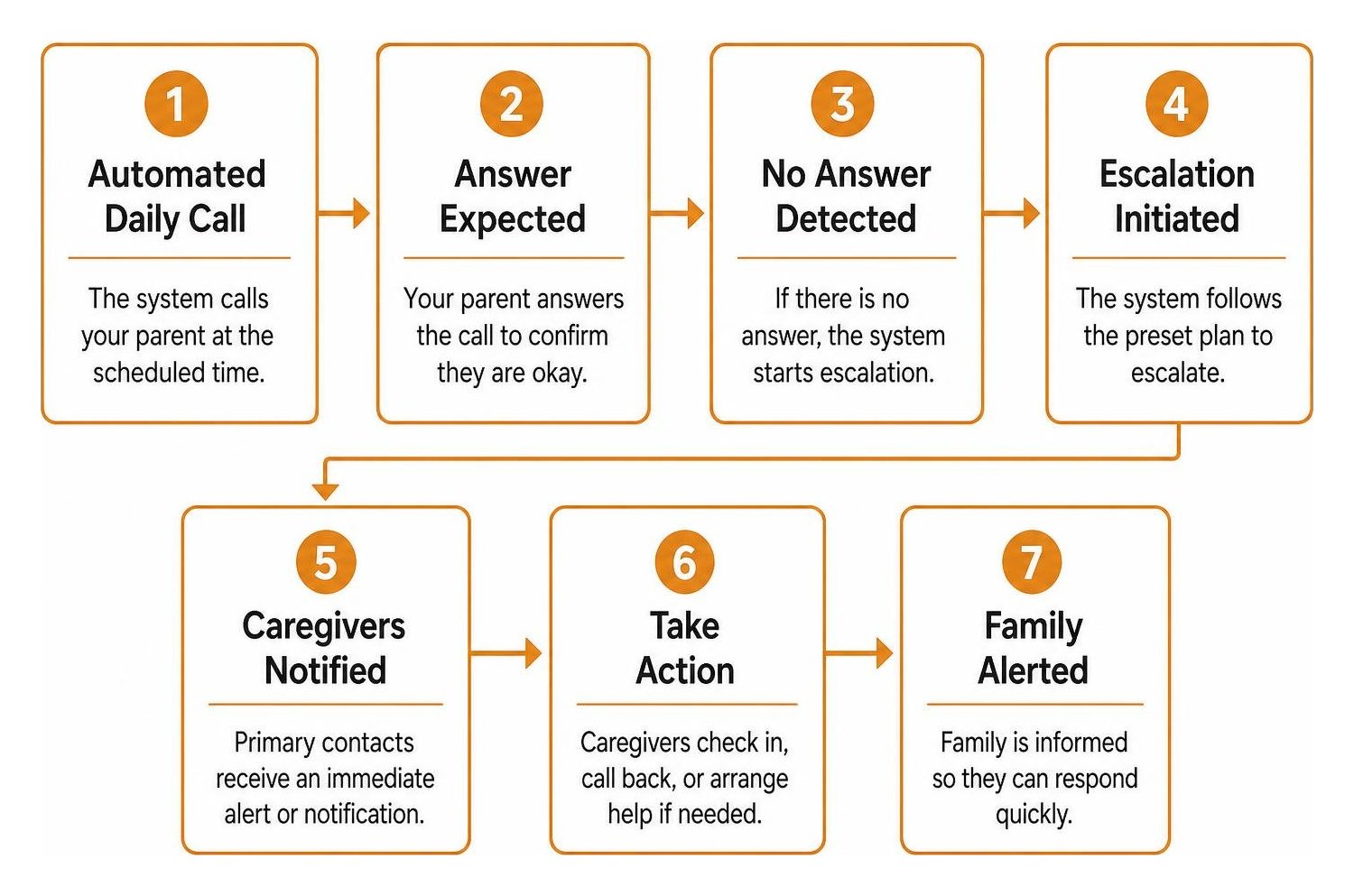
Understanding the balance between check-in calls and medical alert buttons helps families build comprehensive protection. While an in-home button handles immediate calls for help, automated check-in services ensure that if an unexpected issue arises, someone is notified even if no button was ever pressed.
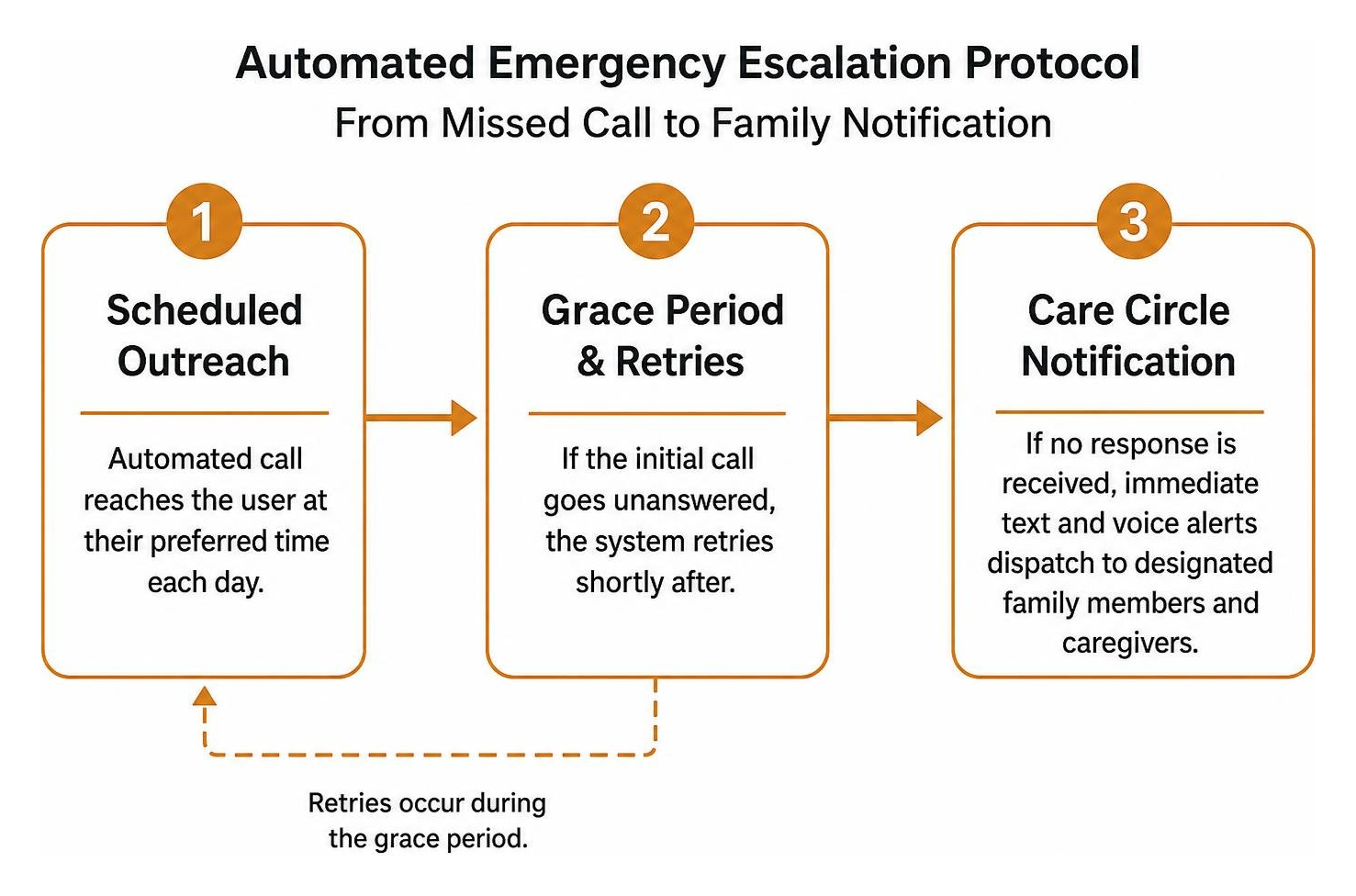
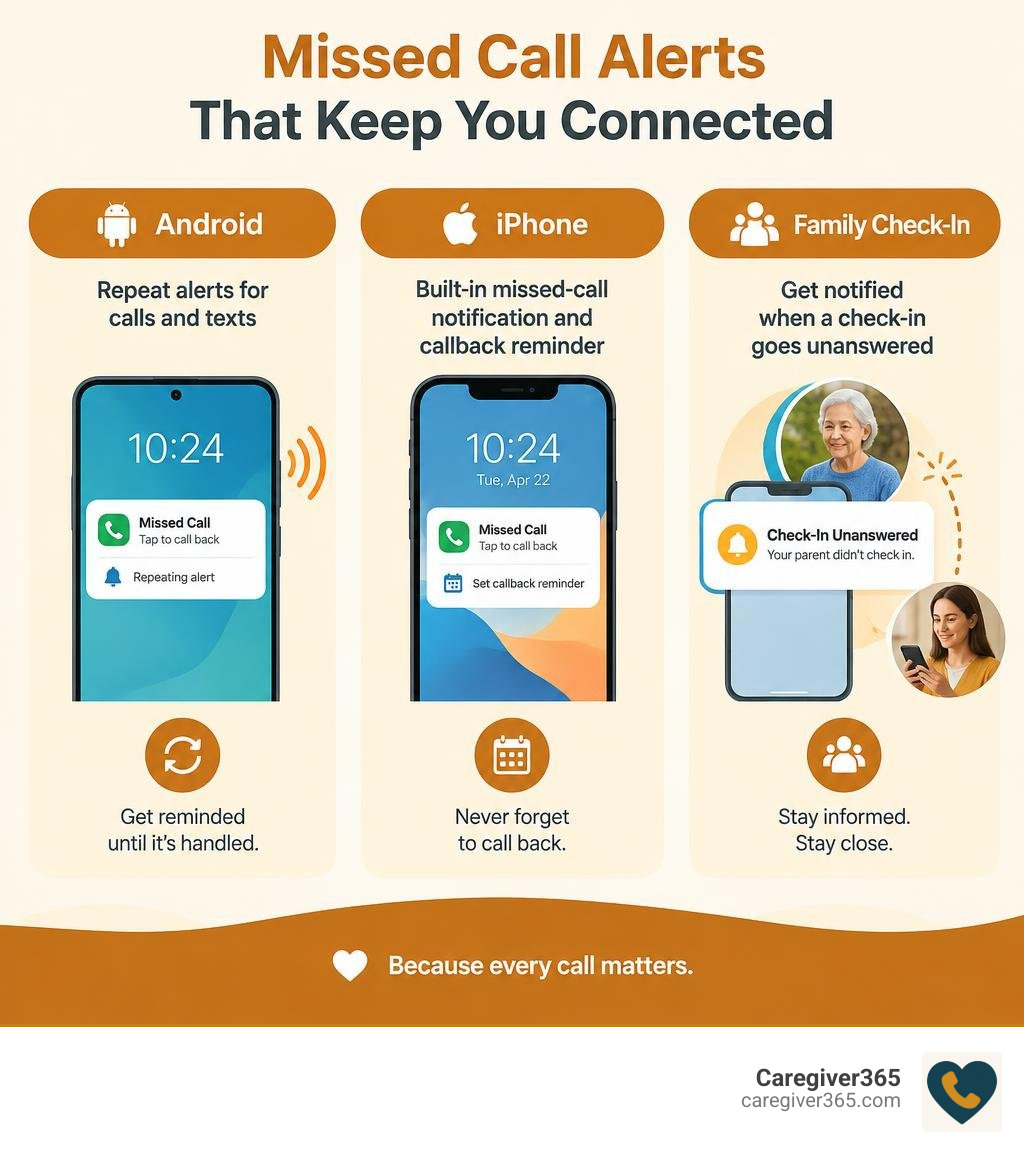
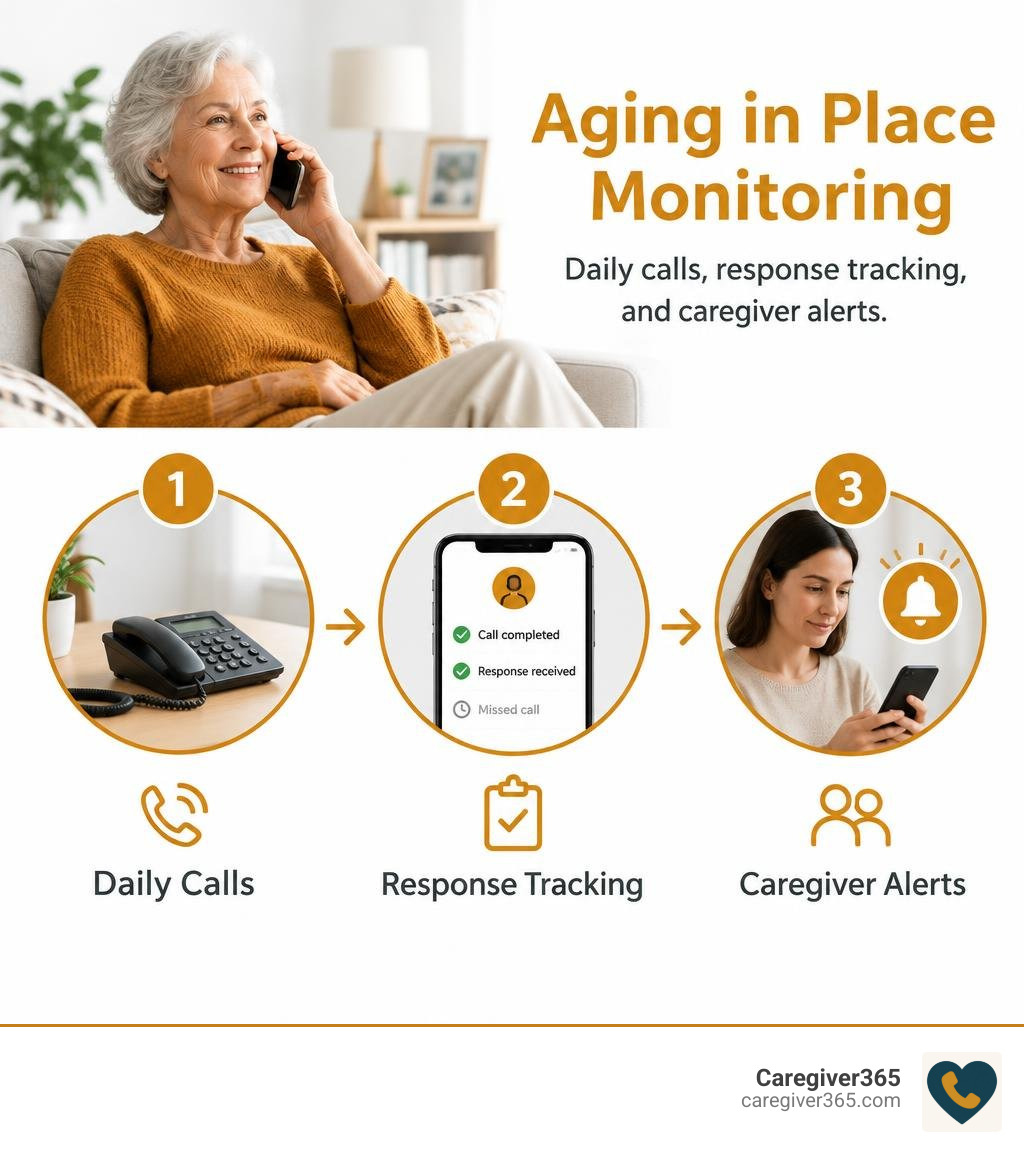
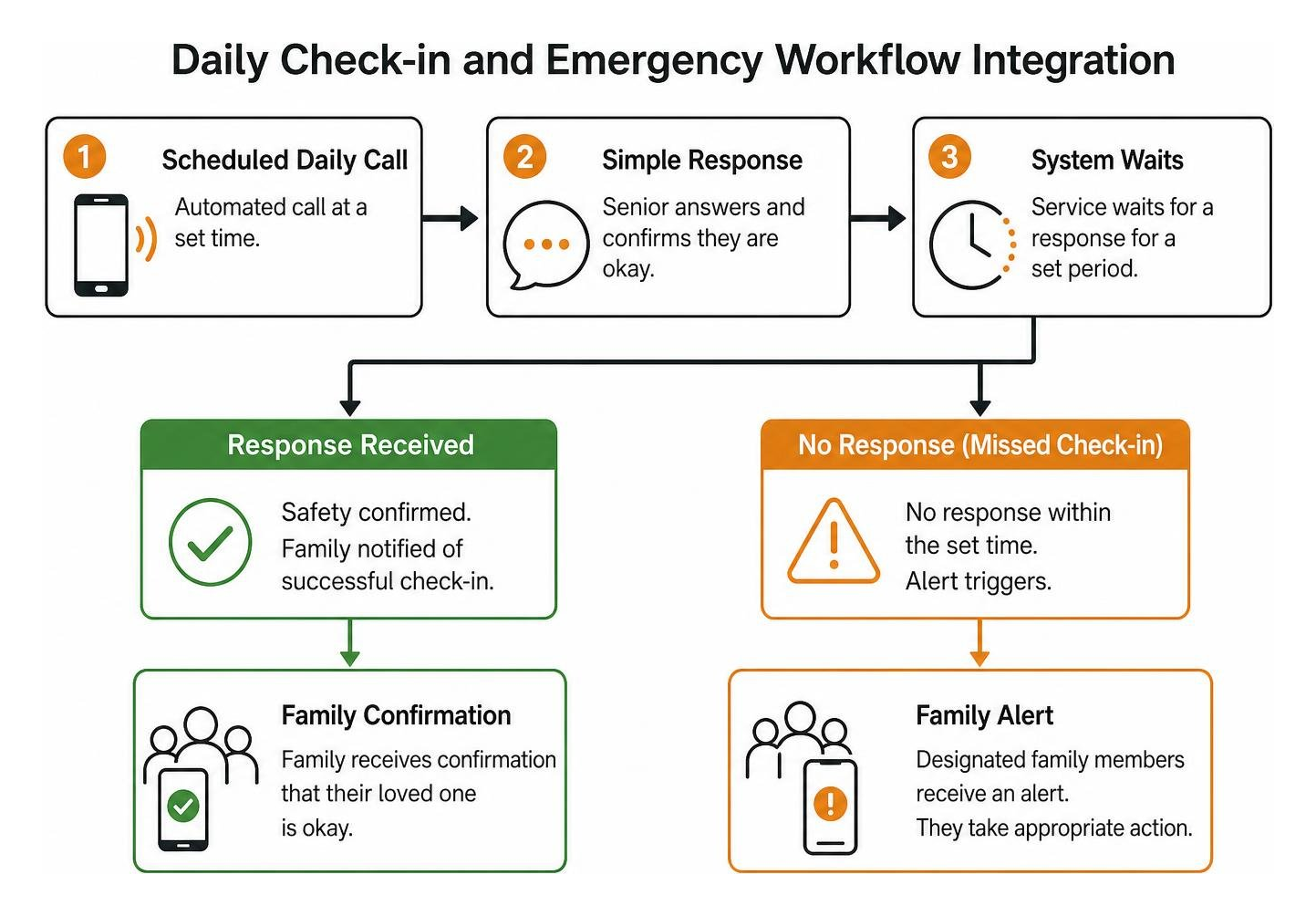
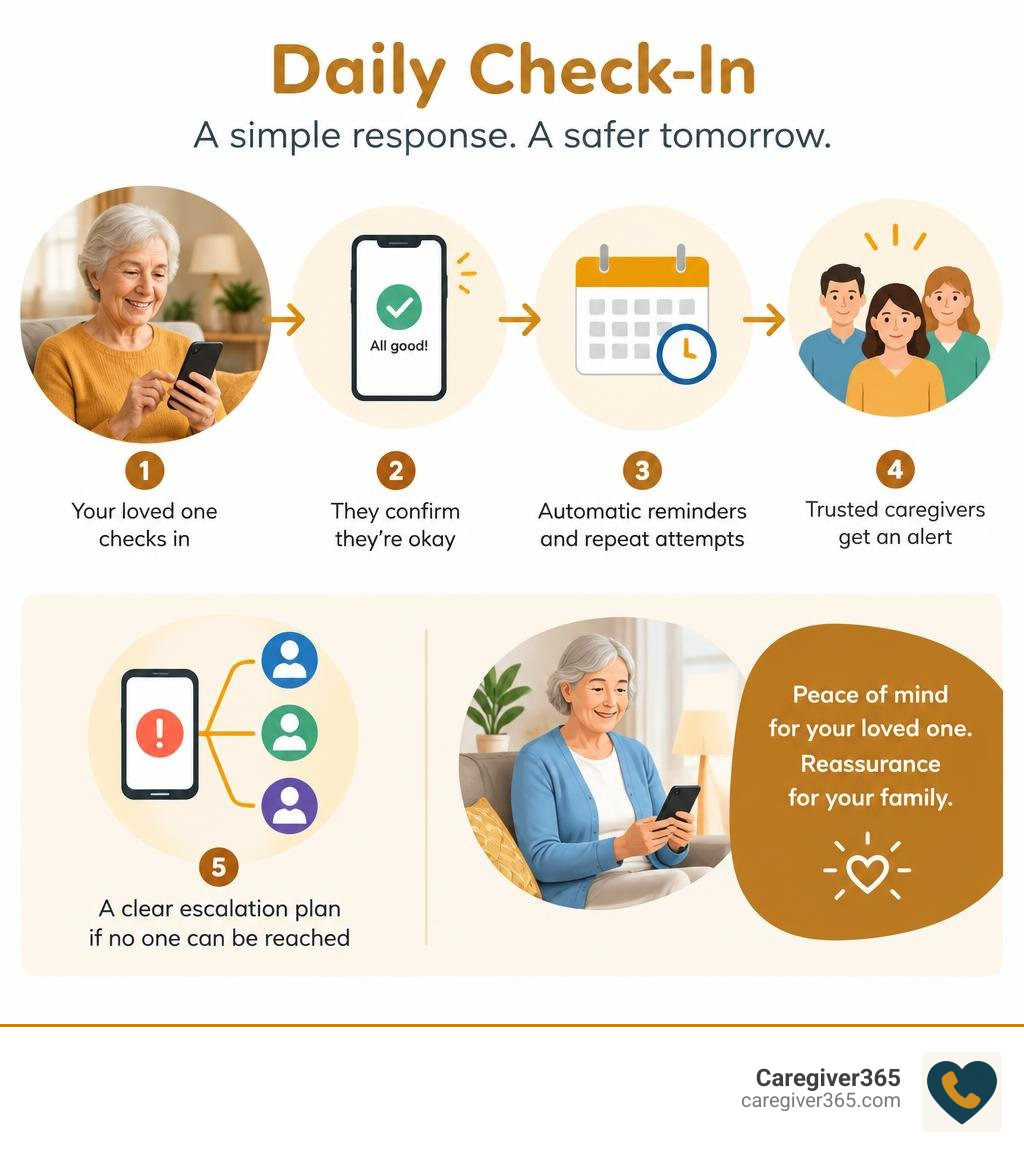
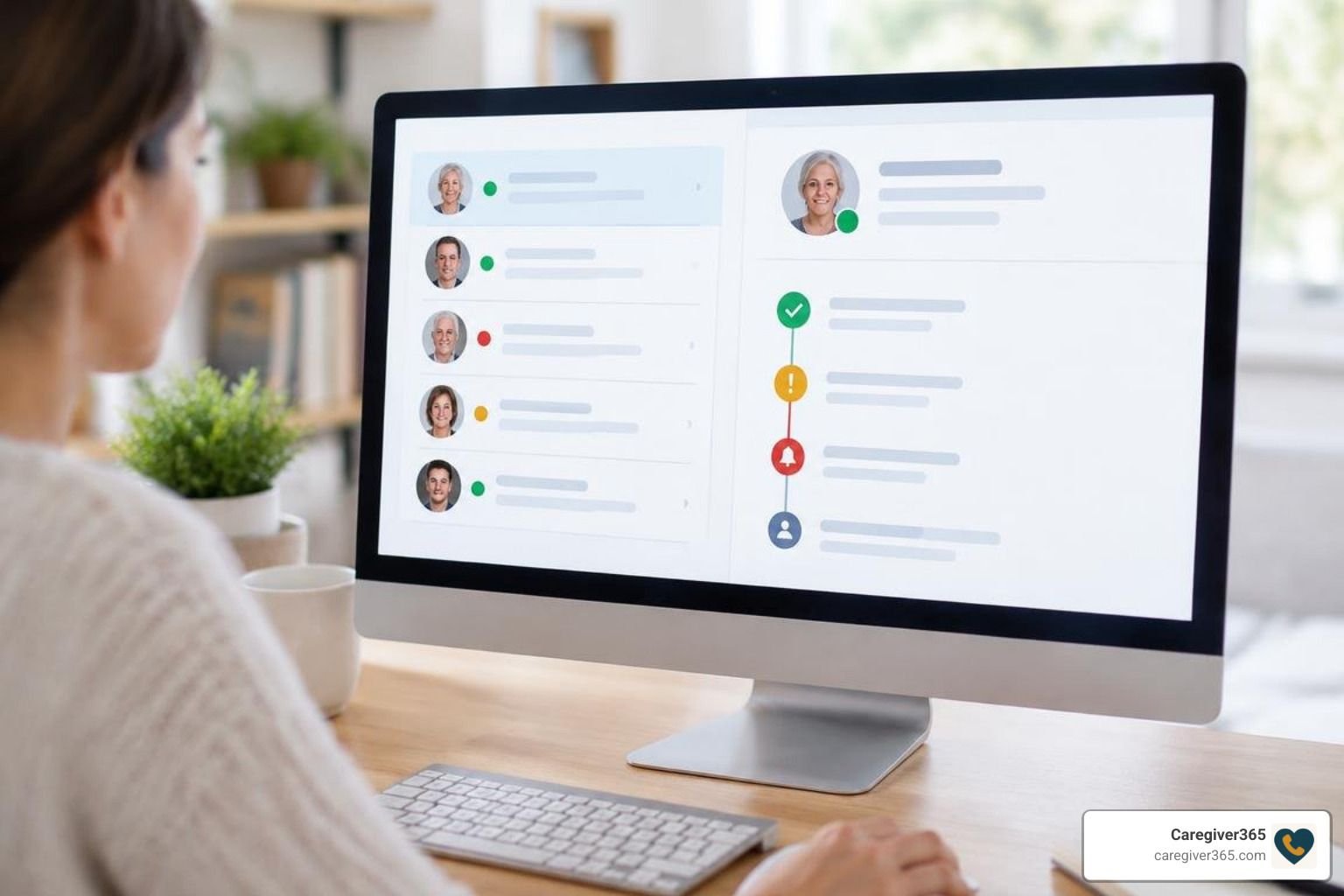
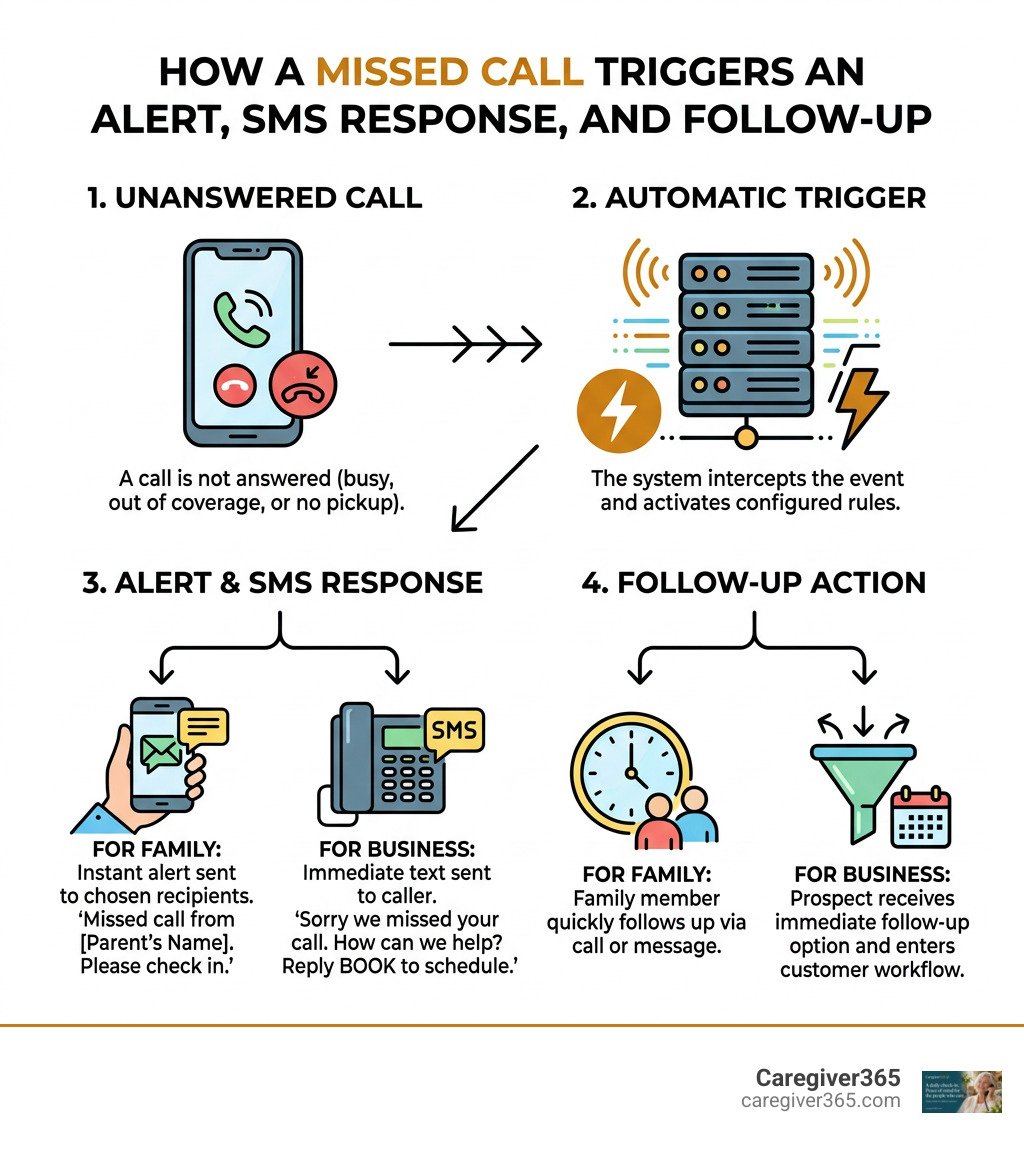
Our team at Caregiver365 provides an automated daily phone-call check-in service tailored specifically for seniors aging in place. Our system calls your loved one’s landline or cell phone at a scheduled time each day. When they answer and confirm their well-being, the system logs the successful check-in. If the call goes unanswered after multiple attempts, our automated platform immediately alerts up to eight members of your designated family “Care Circle” via text message and phone calls. It requires no extra hardware, works across any standard phone, and smoothly integrates with existing home safety routines.
Frequently Asked Questions About Caregiver Alert Systems
Do caregiver call buttons require a monthly subscription fee?
No. Standard RF caregiver call button kits and basic Wi-Fi hub systems do not require ongoing monthly subscription fees. You purchase the hardware once, plug in the receivers, and use the system indefinitely. (Optional advanced cellular emergency services or paid SMS dispatch tiers may charge fees, but standard in-home chime and basic app notification systems are 100% subscription-free.)
Will a wireless caregiver call button work in the shower?
Yes, provided the button carries an IP55 or higher waterproof rating. Many lanyard pendants and pull-cord models are designed to withstand direct shower splashes. However, you should avoid submerging non-marine-rated electronic buttons in standing bathwater. Always verify the manufacturer’s IP rating before mounting a button inside a shower stall.
How far does the wireless alert signal travel through walls?
While manufacturers cite open-air ranges between 300 and 600 feet, indoor signal transmission typically covers 100 to 300 feet depending on wall density. Standard drywall allows easy signal passage, but dense materials like concrete, brick fireplaces, and metal foil insulation reduce transmission distance. Testing the button from every room ensures reliable signal strength.
Conclusion
Choosing the right caregiver alert button brings immediate clarity and security to your daily home care routine. Whether you select a basic, budget-friendly portable RF pager or an app-enabled Wi-Fi hub, ensuring that your loved one has an accessible, waterproof button gives everyone room to breathe easier.
For complete, layered reassurance, complement your in-home hardware with proactive daily monitoring. Explore automated daily check-ins for complete peace of mind and ensure your family Care Circle is always informed, every single day.